Email design · look book
Synovus
Emails I designed at Brightwave for Synovus, shown as a look book. It covers Credit Card Activation, Private Wealth and the Project Elevate check-ins.
risk3sixty built its own compliance software in house. I named it, designed its brand and screens, and made the videos, ads and sales kit that took it to market.
fullCircle is risk3sixty’s governance, risk and compliance platform. It keeps controls, evidence and frameworks such as ISO 27001, SOC 2 and PCI in one place, so teams stay ready for audits all year instead of scrambling at the end.
The platform launched under the name Phalanx. Customers and prospects stumbled over it, it said nothing about what the tool did, and it had no tie to the risk3sixty brand. The team wanted a name and a look that could sell.
I proposed the name the company chose, designed the logo and identity, drew the product screens, and built the launch kit around it: product videos, ads, a flyer, a slide system and swag.
The rename ran through a small committee and rounds of research: naming best practices, an earlier poll, a look at competitors and a long list of options. Each name was scored on a weighted card, so the choice did not come down to taste.
I brought fullCircle to the team. It ranked near the top of the shortlist, it came from inside the company, and people liked it from the first day. It is easy to say, and it tells a customer right away that this product comes from risk3sixty.
From the branding report
In the literal sense, a risk3sixty is a full circle.
The goal was a mark that looks like a direct product of risk3sixty without copying it, and that makes sense to a security buyer at a glance. I started with type and icon studies to see how far the circle could go.
Dozens of type and icon studies tested how far the circle could go.
Anything but a perfect circle hurt legibility, so the shape stayed simple.
The icon came down to three parts, and each one has a meaning.
GRC sits under the name, so the right buyer knows what it is for in one look.
What each part means

A quiet pie chart, for a tool built on data visualization.
It wraps the circle like the status rings that sit on almost every screen in the app.
Taken from the lowercase i, it stands for the user going full circle around their data, start to finish.
fullCircle started as a complicated process run out of a plain Excel spreadsheet. I designed the product’s original UI, including dashboards, assessment screens and vendor views, and those screens set the direction for the UI and development team.
A brand only works if the product looks like it. I carried the new identity into the app itself: the dashboards, the assessment screens and the vendor views customers use every day.

Status rings and bars show where every assessment stands, so a compliance lead sees open work before opening a single record.
The spreadsheet made people hunt row by row. Here the answer is the first thing on the screen. The data shown is illustrative demo data.
A requirement list on the left and the detail table on the right keep a long framework like PCI readable.
The requirement list keeps the item you are working on in view.
Colored status dots turn a long vendor list into something you can scan in a second.
Each vendor's status is visible at a glance.
The newer dashboard adds left navigation and wider charts.
The same visual language scaled up as the product added features, so the team could keep building on it. The data shown is illustrative demo data.
These short screen recordings walk through the whole process in order. I recorded and cut them to show new customers how fullCircle works, from turning on a framework to handing an auditor a finished package.
Turn on ISO 27001, SOC 2, PCI or another framework, and its requirements load into the workspace.
Link one control to every requirement it covers, so one piece of work answers more than one framework.
Log a risk and tie it to the controls that reduce it.
Attach the file that proves a control works, right where the auditor will look for it.
Mark where each control stands, and the rings on the dashboard update.
Pull everything an auditor needs into one package.
I produced a series of narrated promotional videos. Each one opens on a moment every compliance lead knows, then shows how fullCircle fixes it.
They ran on YouTube for marketing, previewed the product for new customers, and served as learning tools on the website.
From the last minute scramble for evidence to being audit ready all year.
An auditor asks a question, and the answer is one click away instead of buried in folders.
ISO, SOC 2 and PCI managed as one harmonized set of controls.
A full walkthrough of the platform.
Sales needed the same story in every format. I designed the sales deck, a two page flyer and the swag, all from one set of colors, rings and screens.
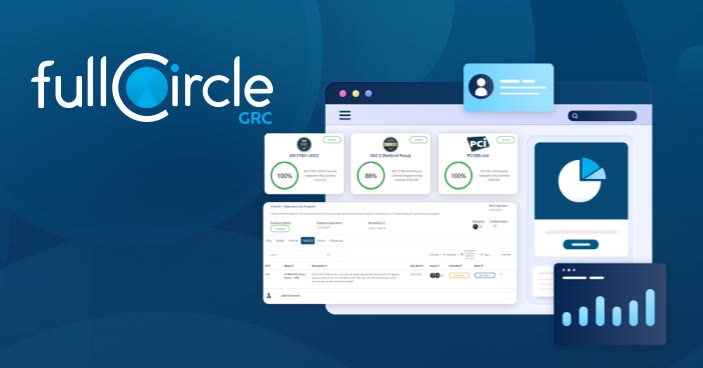
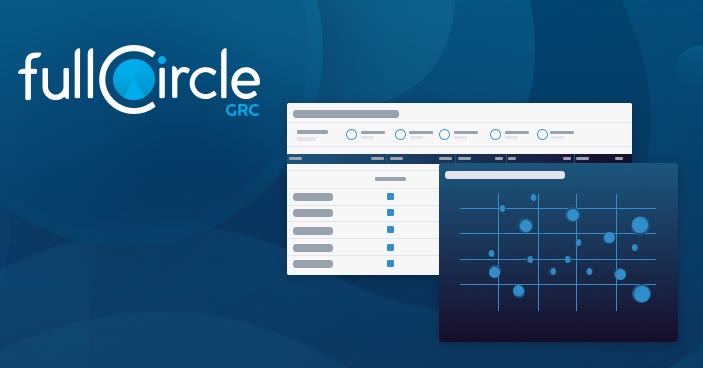
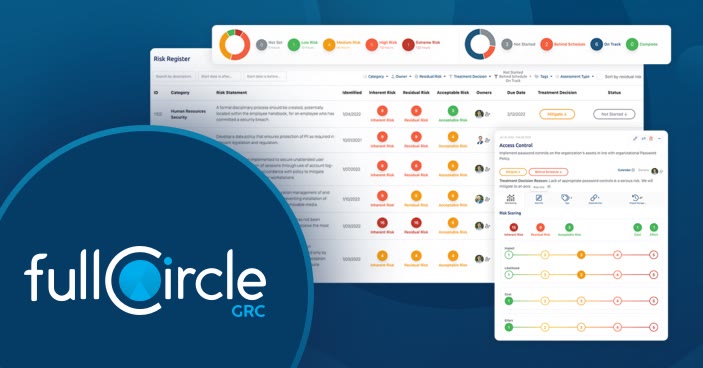
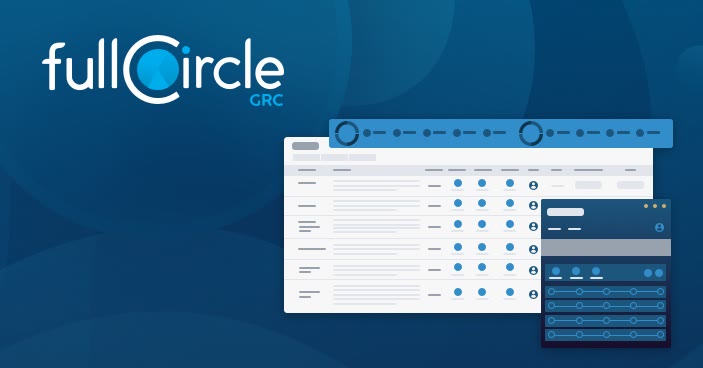
Slide 1 of 4: Assessments and frameworks at a glance
The flyer puts the whole product on one sheet, front and back. The front leads with the frameworks fullCircle supports and the return on investment. The back walks through each module and ends with a way to reach the sales team.
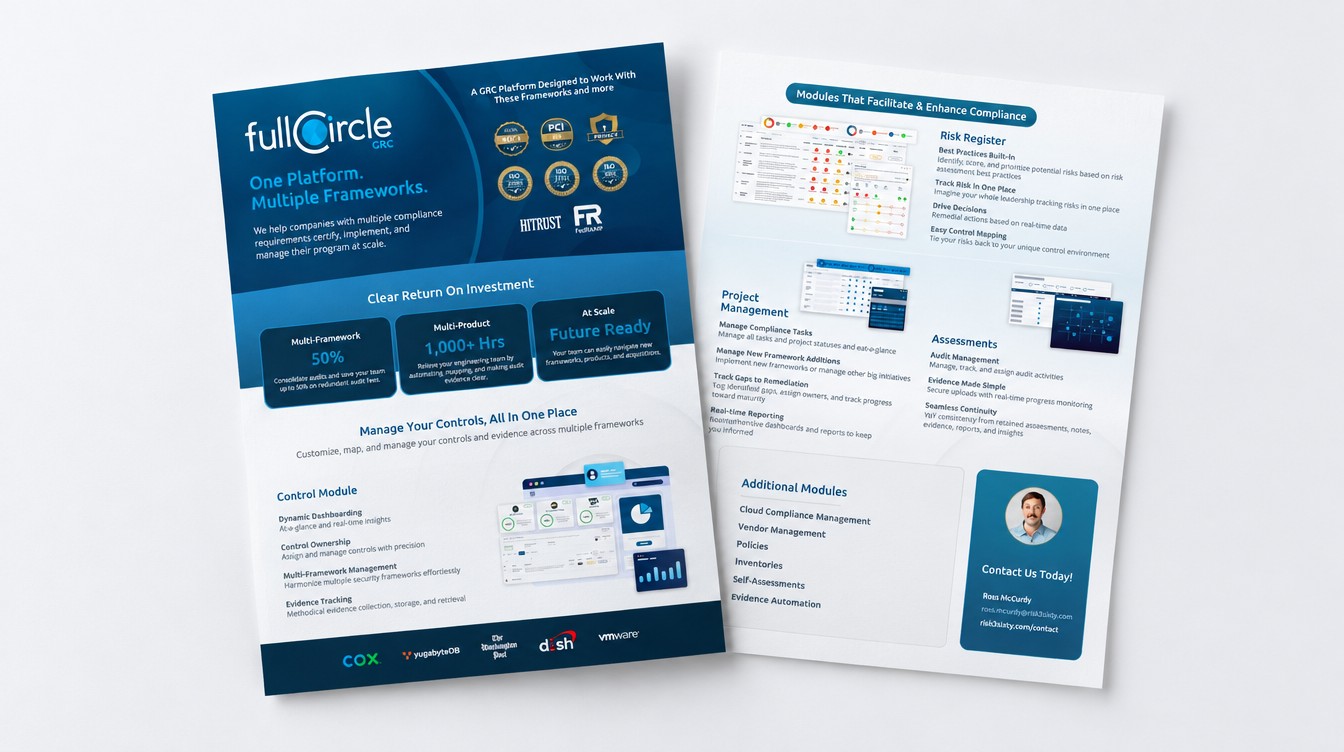
The two page flyer, front and back.
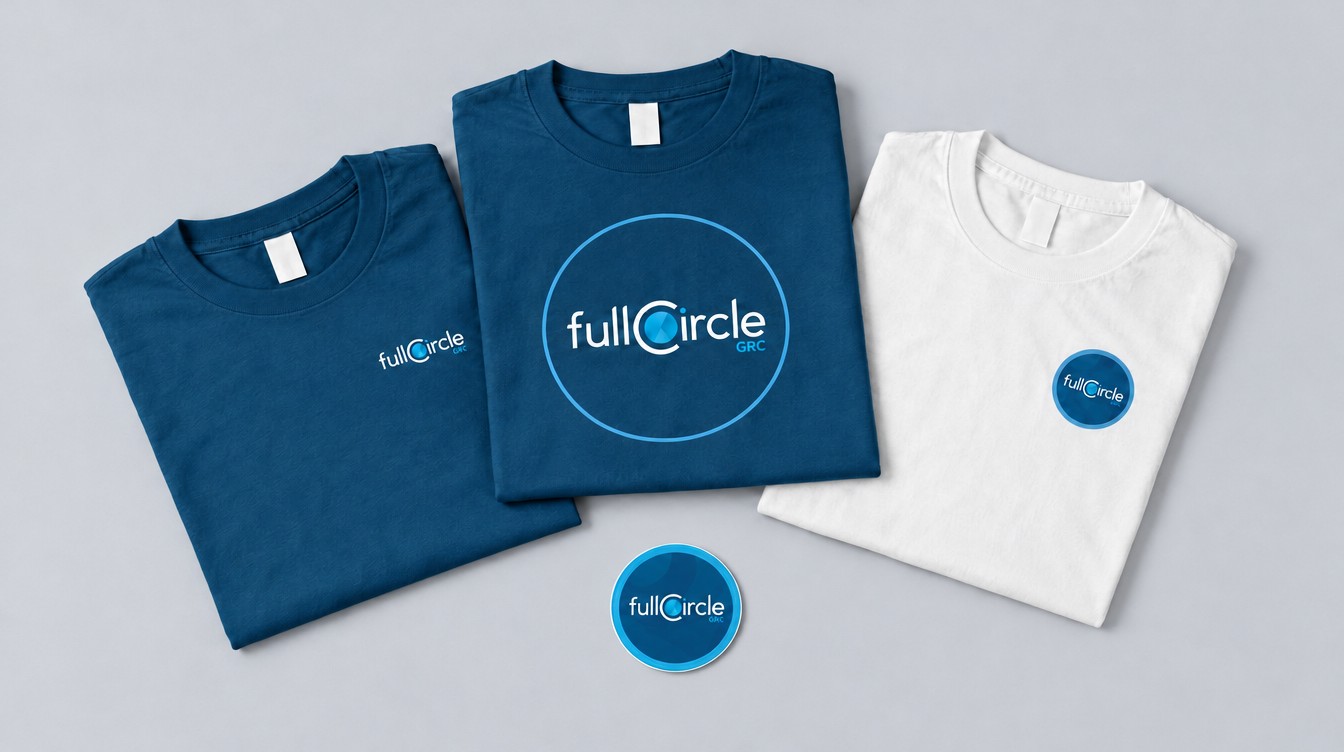
Shirts and stickers gave the team something to wear to conferences and kept the new name in front of people.
Conference shirts and the circle sticker.
A product name picked with a scorecard and the team behind it, not a guess.
A mark where every part means something about the product.
One designer carrying a brand from the name to the app, the videos, the sales kit and the swag.
Email design · look book
Emails I designed at Brightwave for Synovus, shown as a look book. It covers Credit Card Activation, Private Wealth and the Project Elevate check-ins.
Interactive email · Gmail ads
Email and Gmail ad work I made at Brightwave for Credit Karma. The original email design used placeholder text, so its copy was rewritten for the portfolio.
Brand · campaigns · events
The brand behind a cybersecurity firm. I designed its brand, campaigns, sales materials and event graphics.
Product brand · naming · UI direction
risk3sixty’s own GRC (governance, risk and compliance) platform. I named it and built its identity. The C and its circle read as a pie chart and a status ring, the data the product exists to show.
You are here
Mobile app · UX
My own app idea, pitched to SiteOne, the landscape supply company, while it was a Brightwave client. Shown in a phone mockup.
Card 4 of 5: fullCircle GRC